
Hey Folks! Ever found yourself scratching your head when people talk about “storage pools” and “storage containers” in Nutanix?
Don’t worry, you’re not alone! These terms might sound a bit tech, but they’re actually super simple once you get the hang of them.
Imagine you’re trying to organize a huge collection of books. You wouldn’t just throw them all in one giant pile, right? You’d want some system!
That’s kind of what Nutanix does with your data, but in a really smart way.
Let’s break down these concepts in a super easy to understand way.
Think Big Picture: The Storage Pool
Let’s start with the Storage Pool.
Think of your entire Nutanix cluster as a giant, beautiful library, stretching from Los Angeles to Las Vegas (271 Miles or 437 Km).
All the shelves, all the books, all the storage space available in that library?
That’s your Storage Pool.
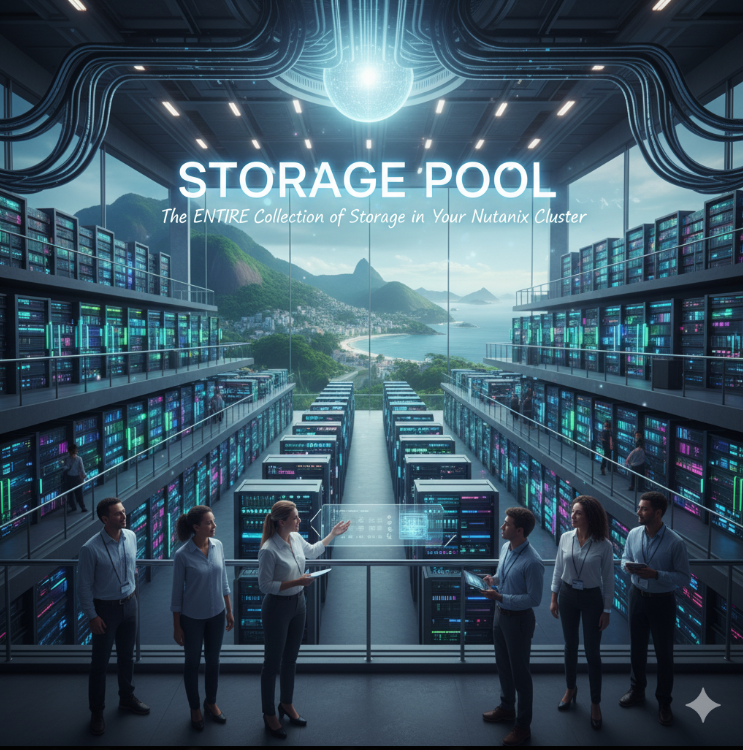
Every single hard drive (HDD) and solid state drive (SSD) across all the nodes in your Nutanix cluster is automatically combined into one massive Storage Pool.
It’s like Nutanix takes all your individual storage devices and merges them into one huge, unified bucket of storage.
You don’t have to worry about managing individual disks or servers; it’s all one seamless, super efficient storage resource.
It’s the total, combined storage capacity of your entire Nutanix cluster.
Replication factors (explained in greater detail below in the “Storage Containers” section) can be defined at either the Storage Pool level or the Storage Container level. If you set the Storage Pool to a replication factor of 2, all Storage Containers within it must also use a replication factor of 2 (none may use a replication factor of 3). However, if you select a replication factor of 3 for the Storage Pool, you can have Storage Containers with either a replication factor of 3 or 2. Unless there is a critical business requirement otherwise, the general rule is to use a single Storage Pool with a defined replication factor.
Getting Organized: The Storage Container 📦
Now, within that giant library (your Storage Pool), you don’t just dump all the books randomly, right?
You organize them into different sections or shelves, maybe one for fiction, another for non-fiction, a special one for rare books, and so on.
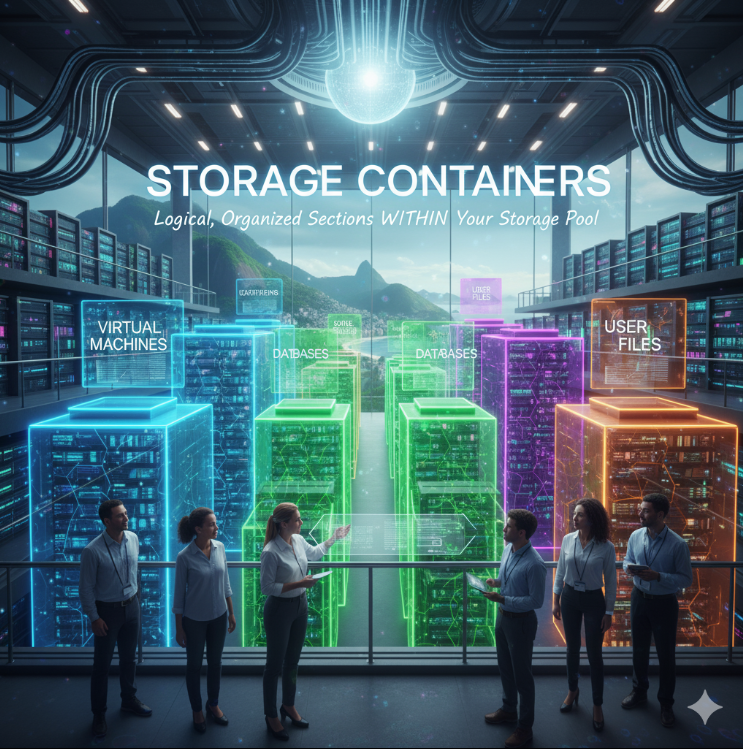
Storage Containers are exactly like these organized sections or shelves within your Storage Pool.
They are logical divisions of your overall storage.
This is where your actual data lives—specifically, the virtual disks of your Virtual Machines (VMs).
You can create different Storage Containers for different purposes.
For example:
- A container for all your super important production VMs.
- Another container for development and testing VMs.
- Maybe one for specific database files.
- You could even have a container with special settings for applications that need super fast performance!
At the company where I work, we categorize them into four specific types of containers: those containing generic virtual machines, database servers, those delivered as Infrastructure as a Service via the Nutanix Project Selfie Service Portal, and ISO images for operating system installations.
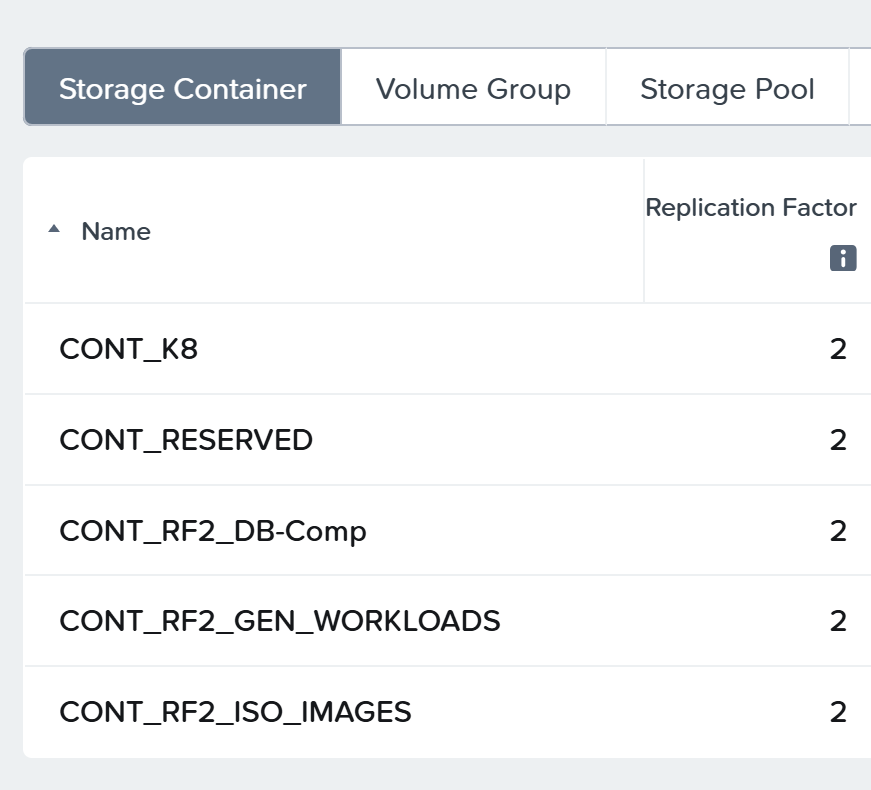
Each Storage Container can have its own specific settings, such as:
- Replication Factor (RF): How many copies of your data Nutanix keeps to protect against disk or node failures. (Like having multiple copies of a rare book in different vaults!). You can have a replication factor of 1 (only one copy of the data), 2 (two copies of the same data), or 3 (three copies of the same data). Obviously, the higher the replication factor, the more usable storage capacity you lose for your virtual machines; however, the greater your protection against potential failures. I consider a replication factor of 2 to offer a good balance between cost and benefit.
- Deduplication and Compression: Features that save you space by removing duplicate data and shrinking file sizes.
It’s a logical, organized section within your Storage Pool where your VM data and other files actually reside, often with specific data management settings.
Bringing it All Together: Storage Pool and Storage Containers 🤝
So, to summarize our post:
- The Storage Pool is the entire collection of all available storage devices in your Nutanix cluster. It’s the big, unified resource.
- Storage Containers are the organized, logical buckets you create within that Storage Pool to hold your VM data and other files, each with its own rules.
You’ll interact with Storage Containers far more often than the Storage Pool itself when managing your VMs, because that’s where you’ll tell your VMs to store their virtual disks.